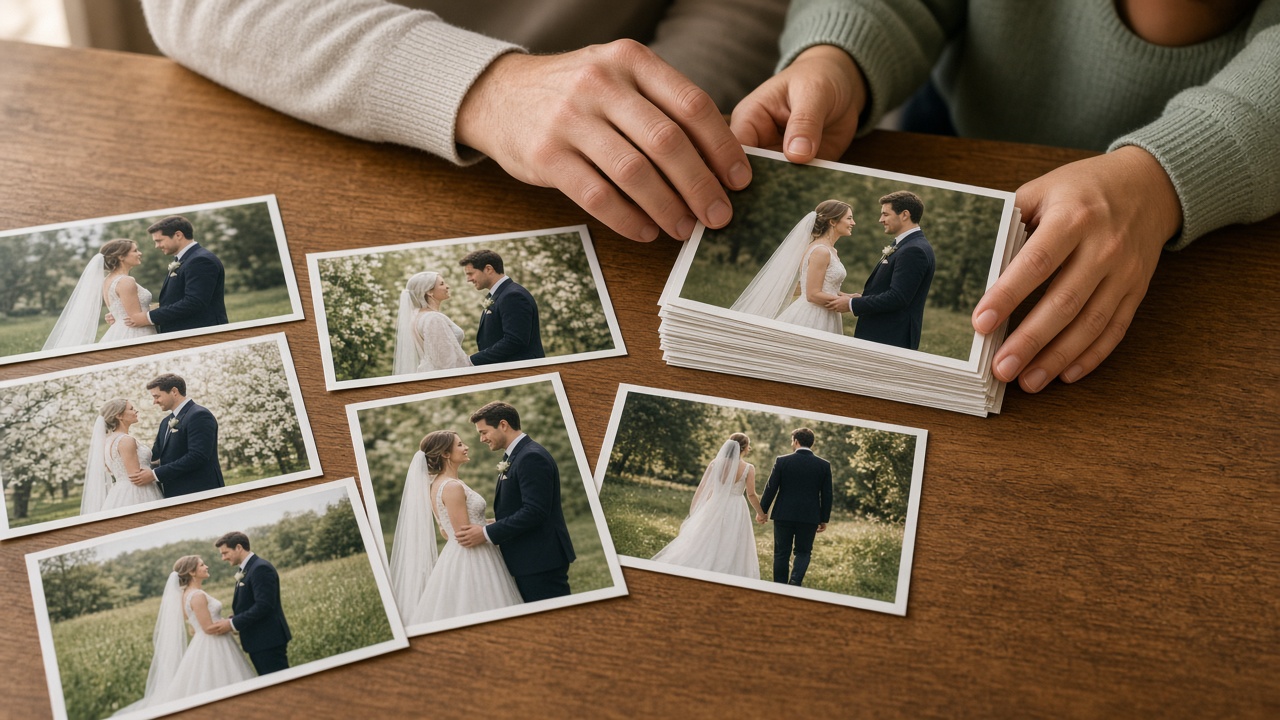
How a program moves
One path from the card to the client.
A program moves in this order: RAW, selects, compressed output, client delivery, selection, and final print.
-
01
Book the program
Record the client, function, date, and time. Saving a booking creates the job folders your team already expects.

-
02
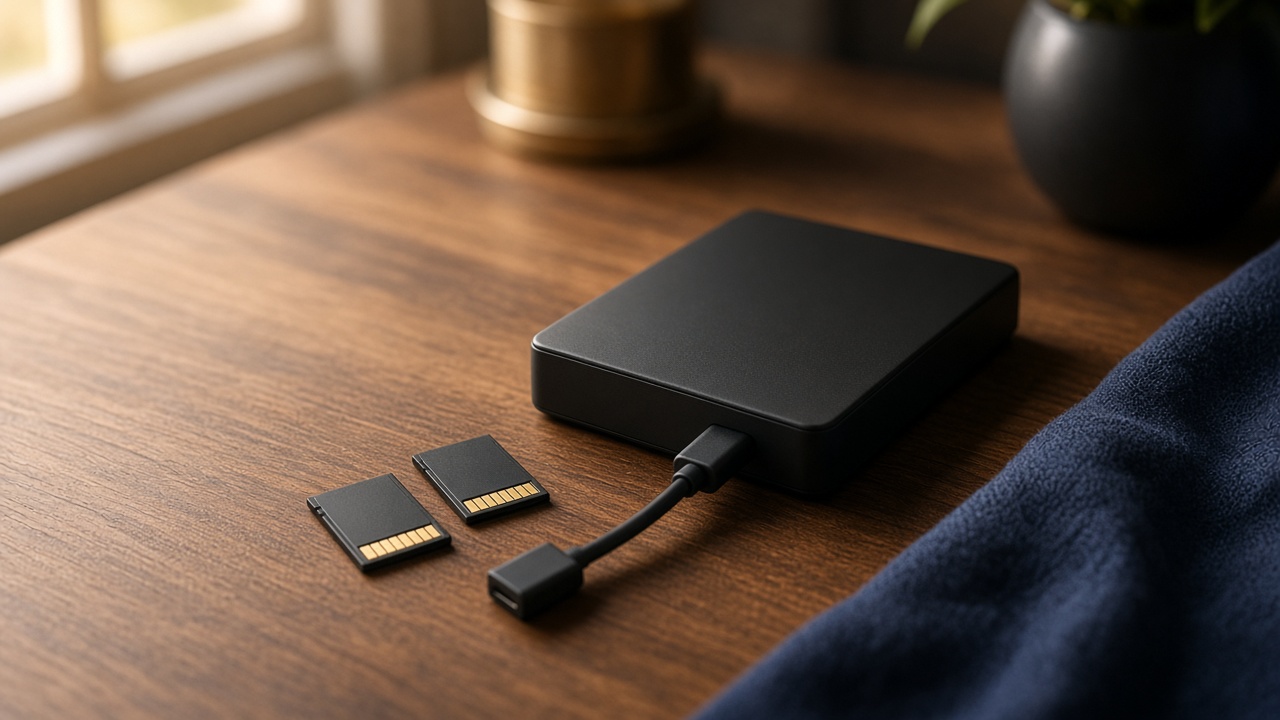
Back up the cards
Track which programs still need a copy on an external drive. After a long wedding day, this checklist is what keeps a shoot from being the only copy.
-
03
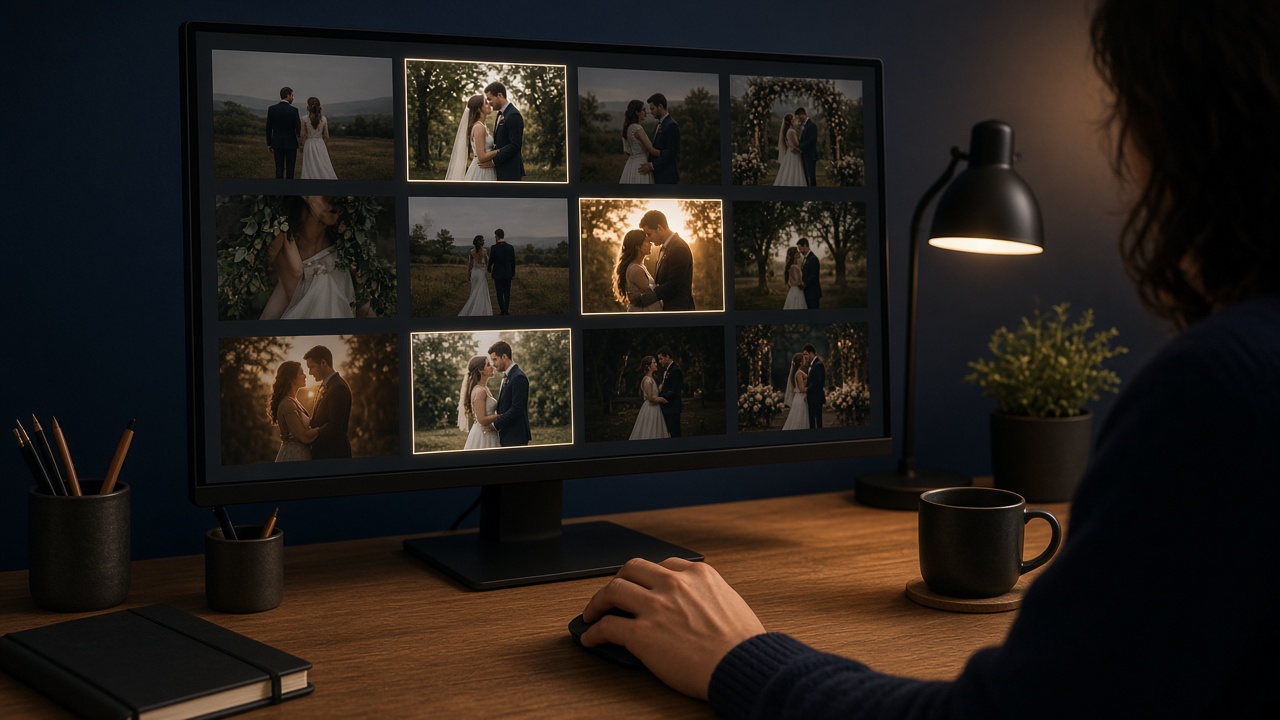
Cull the keepers
Scan a wedding folder and rank frames by sharpness, exposure, faces, likely blinks, and similar burst shots. The shortlist is a copy. Originals are never deleted.
-
04
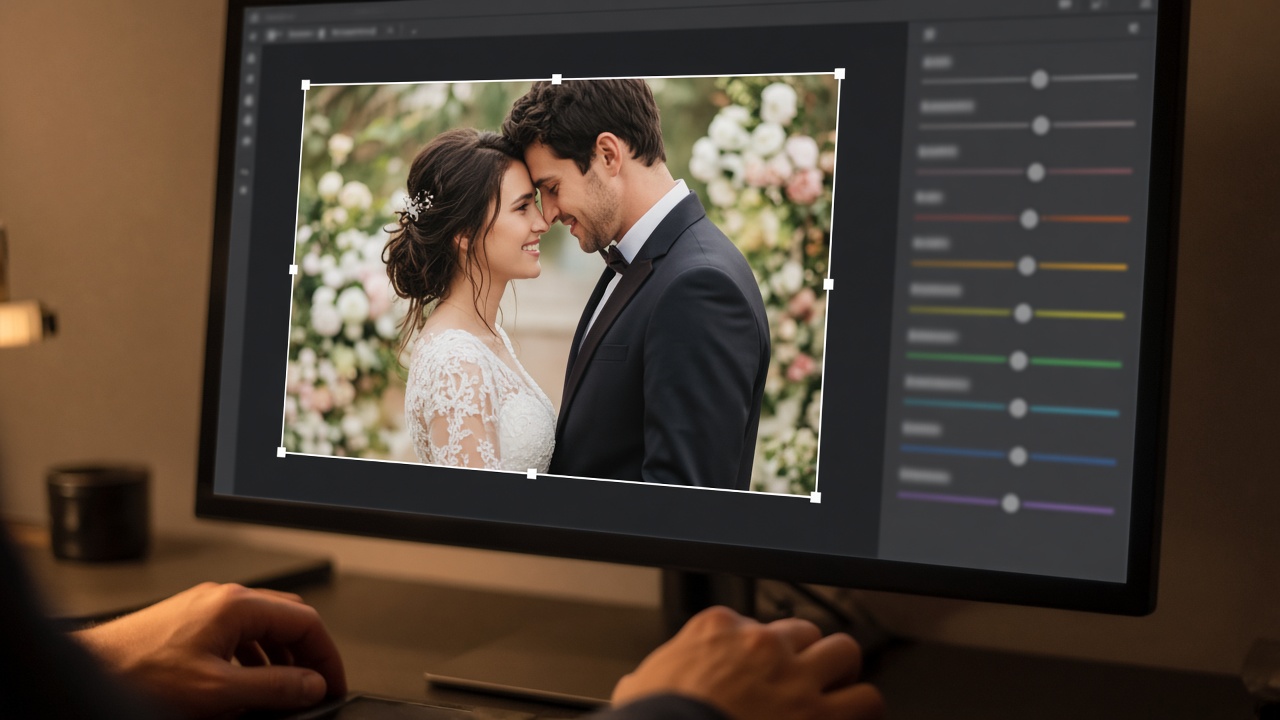
Edit the selects
Crop by dragging a rectangle, then adjust light, colour, detail, face, and LUT. The original file stays safe. Edits are applied to a new result.
-
05
Compress for delivery
Make smaller photos and videos for WhatsApp, cloud share, and client delivery. Scan a folder or pick the images you want. Source files stay intact.
-
06
Send a same-day teaser
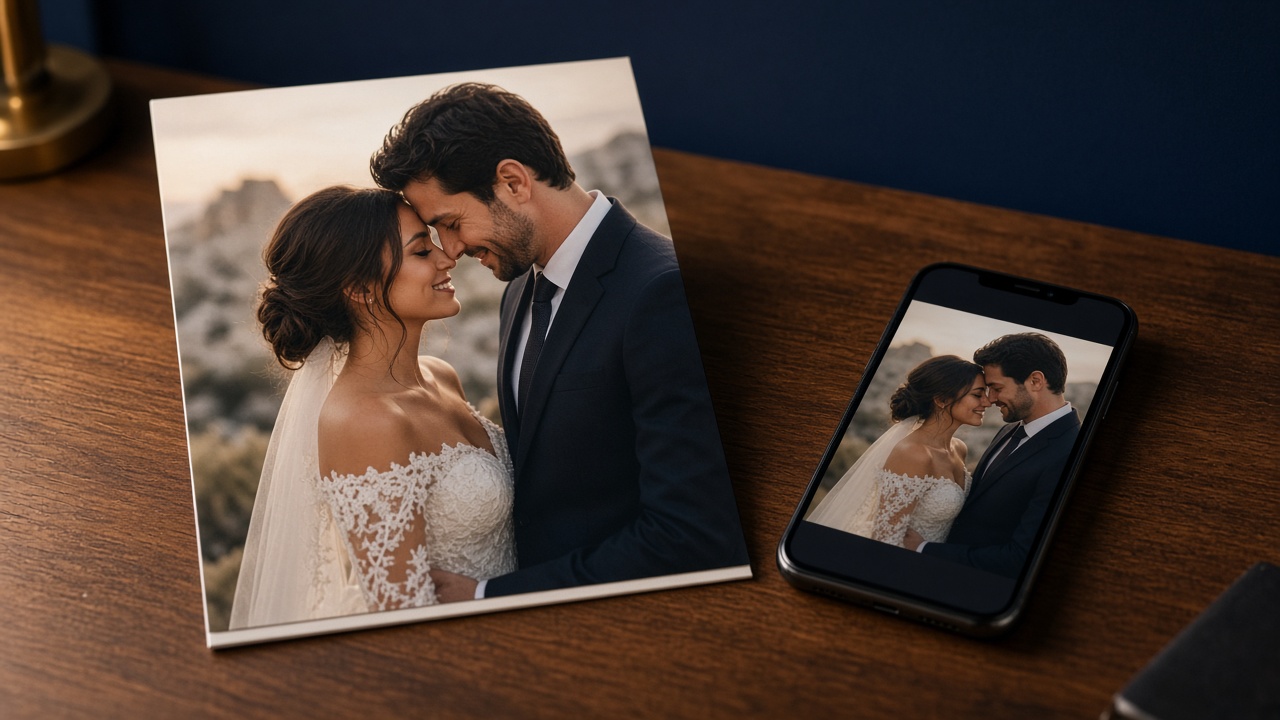
Pick highlight photos and make a short preview film before the full album is ready. It is the moment couples and guests share the same night.

-
07
Share the ZIP
Upload a delivery ZIP and hand the family an HTTPS link plus a QR code. Search the booking so the client name and function fill in.

-
08
Match final print
Match the photos the client already picked — a WhatsApp folder, a print list, or 05_Client_Selection — to the best program images.